
First Person Boxing Game PC: How to Play the Roblox Boxing Game on a Computer
✓ Last verified 2026-10-15 · How we check facts
Quick answer
The First Person Boxing game on PC is played through Roblox, not as a separate download or Steam release. The official page lists PC, Mobile and Console, with up to 16 players per server.
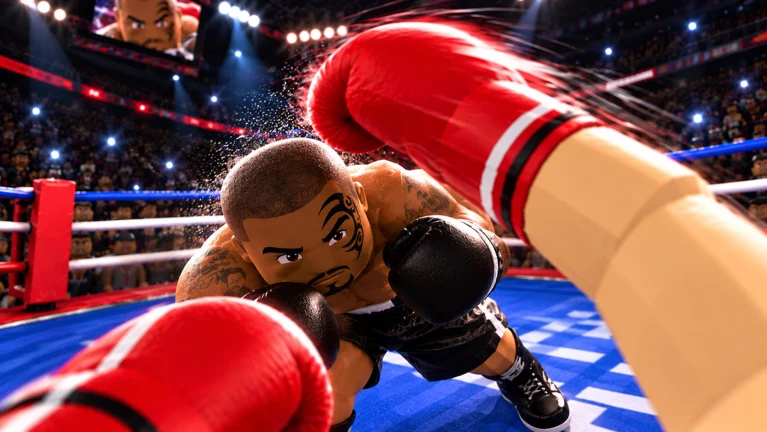
If you are searching for the First Person Boxing game PC version, the short answer is that it is a Roblox experience, so you play it through Roblox rather than installing a standalone game. This page explains how to start the First Person Boxing game on a computer, what the official listing confirms about platforms, and what to check so your first match goes smoothly. We only state what the official Roblox page supports and flag everything else as something to verify yourself.
Is There a PC Version?
Yes, in the sense that matters to most players. The official Roblox description of First Person Boxing lists "PC • Mobile • Console" as supported platforms, so you can play on a computer. There is no separate installer, and we found no Steam or other store release for it. The game lives on Roblox.
| Question | Answer |
|---|---|
| Can I play on PC? | Yes, through Roblox |
| Is there a standalone download? | None found, play via Roblox |
| Is it free? | Roblox lists no purchase price for the experience |
| Who made it? | Can You Box?, a Roblox group |
How to Play on PC
- Create or sign in to a Roblox account.
- Install Roblox from the official Roblox download page if you plan to use the desktop app.
- Open the First Person Boxing page on Roblox.
- Press Play and wait for the game to load into a server.
Servers hold up to 16 players according to the Roblox listing. The game is first-person, so your view is locked to your fighter's eyes, which makes positioning and distance feel different from most Roblox games.
What to Check Before Your First Match
| Item | Why it matters |
|---|---|
| Mouse sensitivity | Camera turns affect aiming and slips in first person |
| Controls | Review the on-screen or in-game controls before fighting |
| Connection | PvP timing depends on a steady connection |
We could not find a published list of system requirements or a keybind chart for this specific game, so confirm the controls inside the game before you rely on them. Roblox itself runs on a wide range of computers, but this game's own requirements have not been documented.
Game Snapshot
| Detail | Value as of October 15, 2026 |
|---|---|
| Created | September 28, 2026 |
| Visits | About 394,000 |
| Players online | About 1,700 |
| Votes | 4,711 up, 392 down |
These numbers change throughout the day, so use them as a snapshot, not a fixed figure.
Practice Before You Fight
The official description says you can fight other players or practice against AI. On a new setup, start with AI so you can learn your mouse feel, guard and slip timing without losing matches. Stamina also matters, because the page states that getting tired slows you down.
Frequently Asked Questions
Q: Is there a First Person Boxing game PC download?
There is no standalone PC download. You play First Person Boxing through the Roblox app or browser on a computer.
Q: Does the First Person Boxing game on PC cost money?
The Roblox listing shows no purchase price. Any in-game purchases have not been verified on our side.
Q: Can I use a controller?
The official page lists Console as a supported platform, but we have not verified controller support on PC. Check in game.
Q: How many players are in a match?
The Roblox listing shows a maximum of 16 players per server.